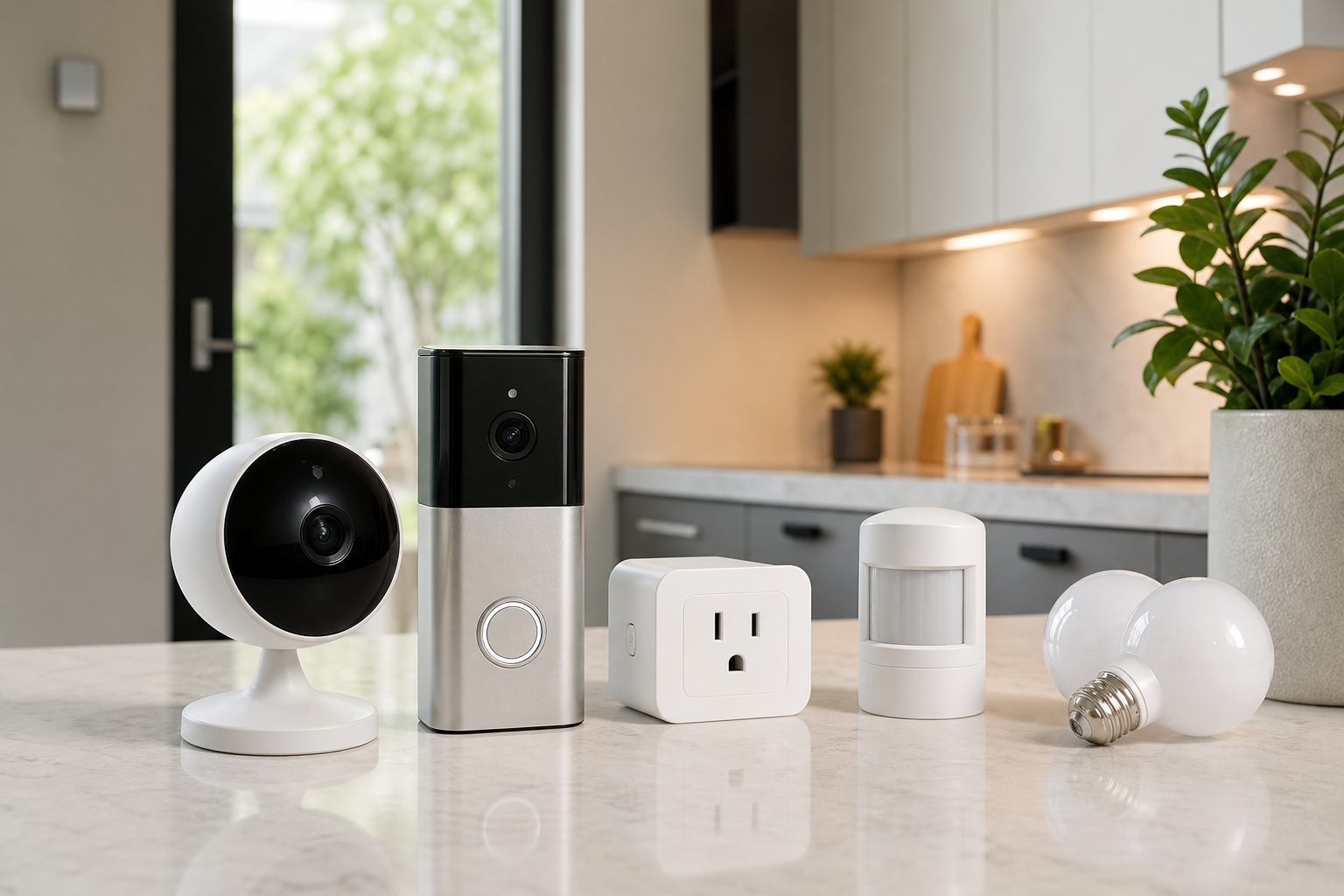
Start with the ecosystem and connection type
Before comparing individual devices, decide which smart home ecosystem you want to live with. The best setup is the one that works cleanly with your phone, voice assistant, hub, router, and household permissions.
Wi-Fi devices are simple to start with, but many devices can add load to a router. Zigbee, Z-Wave, and Matter-compatible products may require a hub or controller, yet they can make multi-device automation easier to manage.
- Check support for Matter, Zigbee, Z-Wave, and Wi-Fi.
- Consider which phones, accounts, and app permissions your household will use.
- Confirm whether a hub is required or optional.
- For rentals, prioritize adhesive, battery-powered, or no-drill installation options.
For cameras and sensors, placement matters most
With security cameras and video doorbells, practical details often matter more than headline resolution: field of view, night performance, power type, notification quality, weather rating, and storage options all shape the experience.
Door, motion, and leak sensors are a useful way to begin automation. Start with clear use cases rather than covering every room at once, because excessive alerts often lead people to disable notifications.
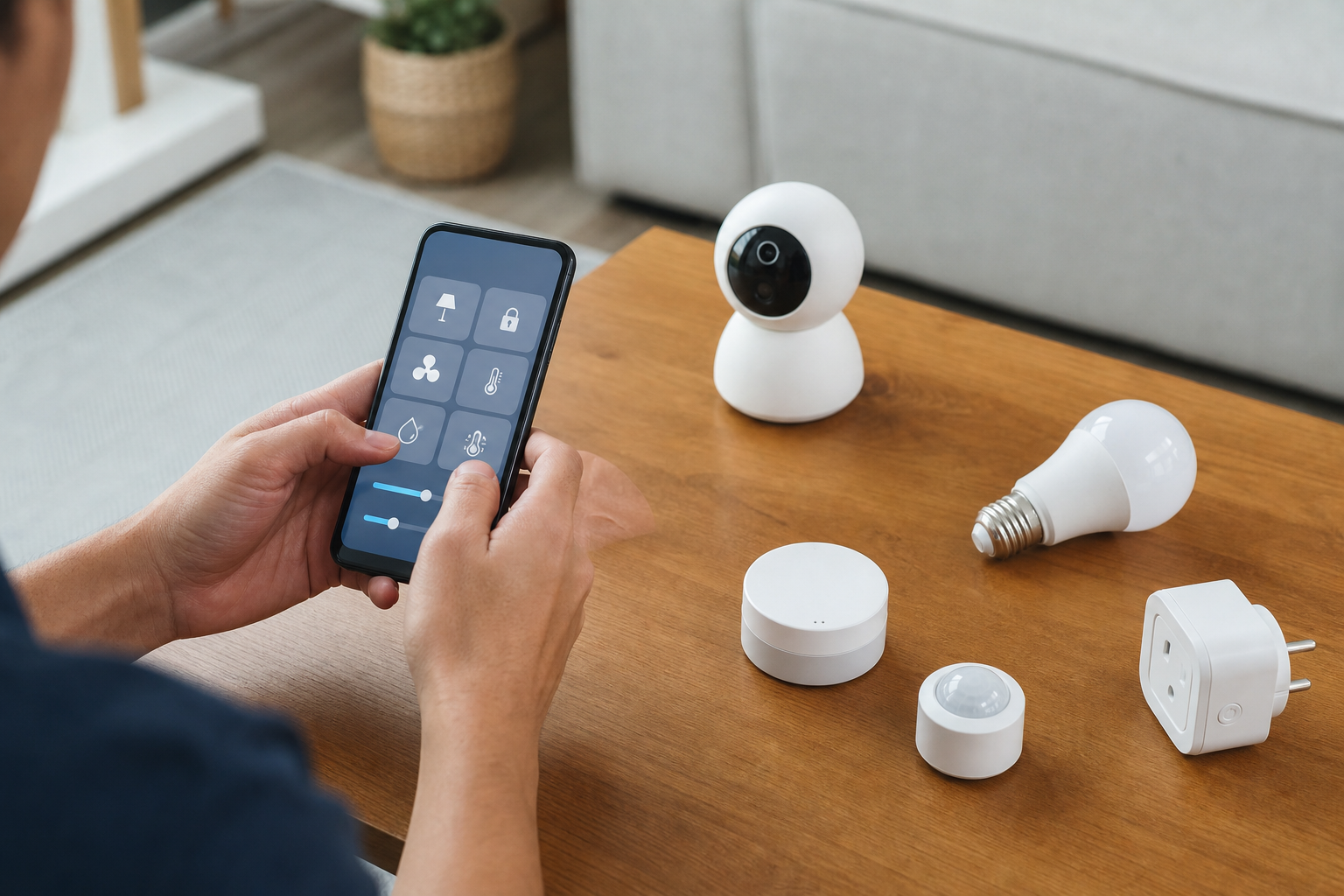
- Battery devices are easier to place; wired devices reduce charging maintenance.
- Compare cloud storage, local storage, and subscription requirements.
- Begin with purposeful locations such as entries, garages, windows, and hallways.
- Adjust camera angles and detection zones to avoid private areas.
Compare lighting and plugs by automation value
For smart bulbs, compare brightness, color temperature, dimming range, and group control. For smart plugs, check the electrical rating, plug shape, and whether the device will block nearby outlets.
Before buying, use manufacturer pages and stores only to verify price, delivery, return policy, and availability. Reviews are most useful when they discuss long-term reliability, app stability, and how well automations keep working.
- Plan routines for sunrise, sunset, away mode, bedtime, and motion triggers.
- Check smart plug limits before connecting higher-power appliances.
- Match bulbs to socket type, brightness needs, and color temperature range.
- If you plan to expand, favor devices that can be managed in the same app or hub.
Frequently asked questions
What should I compare first?
A practical guide to choosing security cameras, video doorbells, smart plugs, sensors, and smart bulbs by comparing compatibility, installation, privacy, and automation needs. Start with use frequency, dimensions, warranty, replacement parts, recent reviews, and the return policy before chasing the lowest price.
Should I check Amazon, Coupang, or AliExpress first?
Use Amazon and Coupang for fast delivery categories, then compare AliExpress for low-cost accessories, parts, and bundles.
Where should I confirm price and availability?
Prices, coupons, shipping times, and stock change often, so confirm the final details on the merchant page before buying.