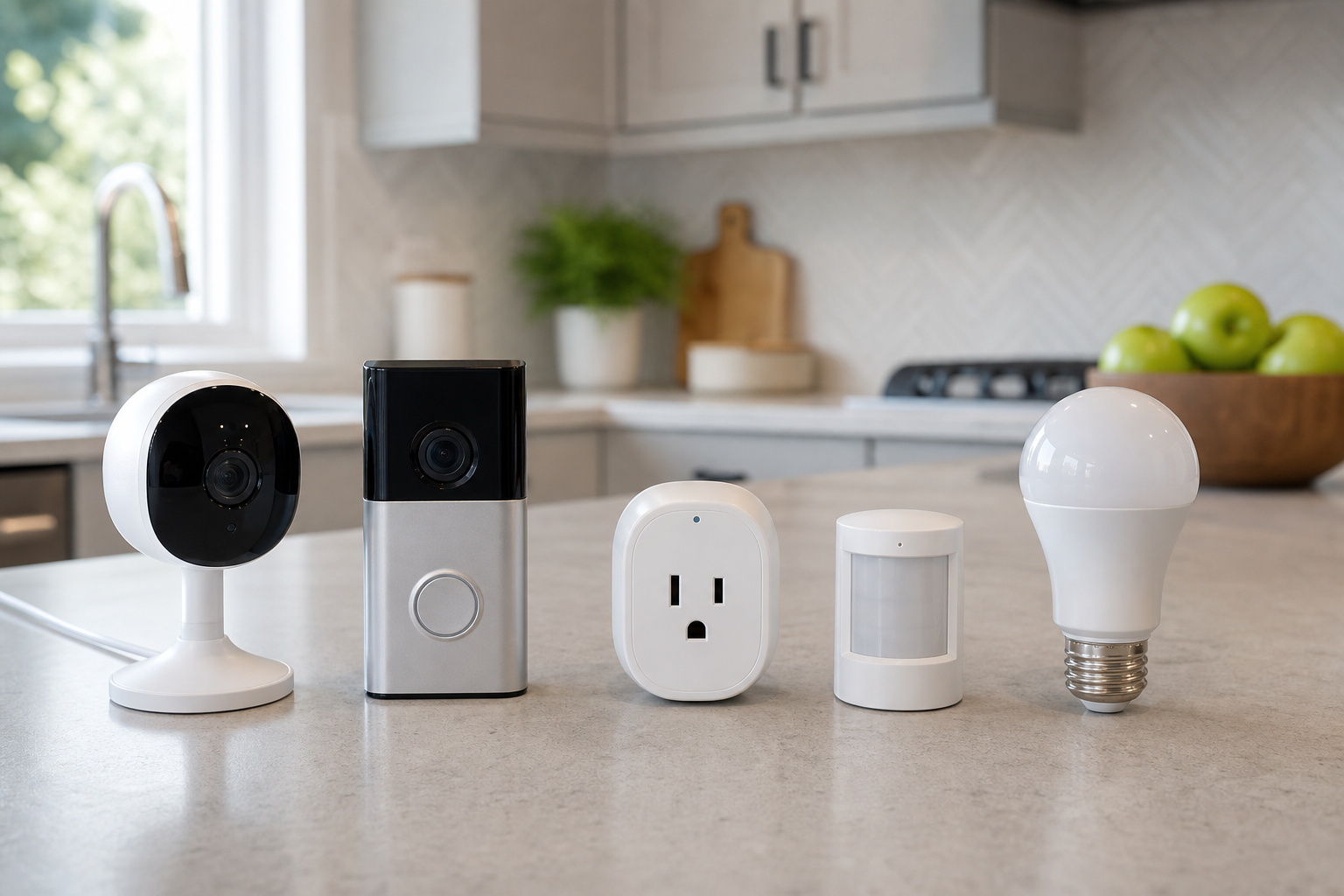
Start With the Automation Job
A useful smart home setup starts with clear jobs, not the largest number of devices. List the situations you want to improve, such as checking the front door, lighting a hallway at night, switching lamps on a schedule, or detecting water near an appliance.
Security cameras and video doorbells are best for visibility, sensors are best for triggers, and smart plugs or bulbs are best for action. Starting with one or two high-impact areas usually creates a cleaner system than trying to automate every room at once.
- For the entryway, compare a video doorbell, outdoor camera, and door sensor as a group.
- For lighting automation, look at motion sensors, smart bulbs, schedules, and scene controls.
- Use smart plugs for lamps, fans, and small devices with simple on and off behavior.
- Use stores and marketplaces neutrally to verify price, delivery, return policy, and availability.
Check Compatibility and Installation
The right product must fit your home’s wiring, Wi-Fi coverage, mounting surface, and daily routines. Battery cameras are flexible but need charging, while wired models can be more permanent but require suitable power and placement.
Before buying, confirm whether the device works with your preferred smart home platform, voice assistant, hub, or app. For sensors and lighting, also check whether the system depends on Wi-Fi, Bluetooth, Thread, Zigbee, or a separate bridge.
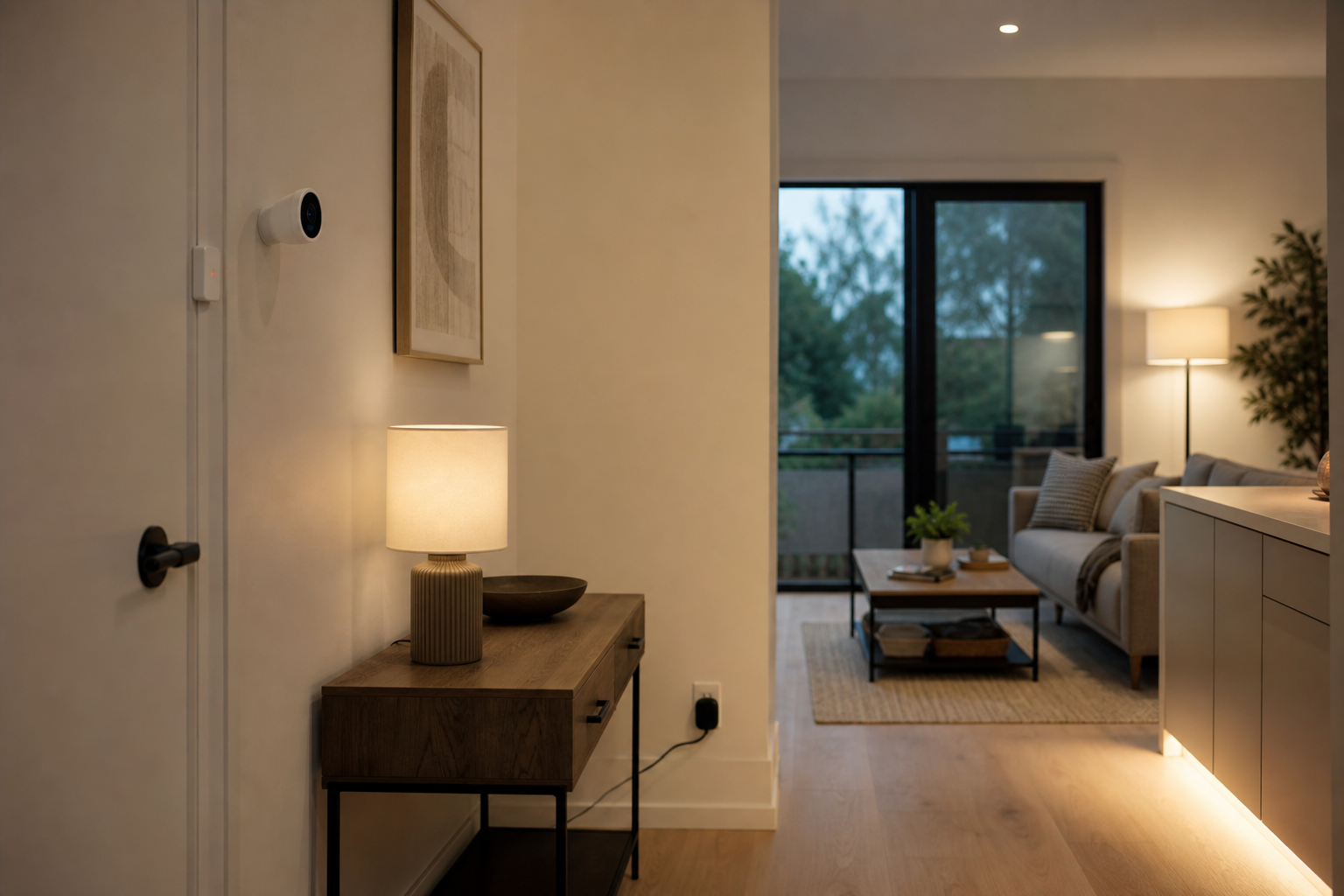
- For cameras, compare indoor or outdoor rating, field of view, night vision, storage, and alert controls.
- For video doorbells, check existing chime wiring, porch shape, and mounting angle.
- For sensors, review detection range, battery type, adhesive or screw mounting, and response time.
- For smart bulbs, confirm socket type, brightness, color temperature, and dimmer compatibility.
Plan for Privacy and Ongoing Costs
Smart home devices continue to need attention after installation. Camera storage, cloud subscriptions, notification quality, app support, and firmware updates can matter more over time than a long feature list.
For privacy, review account security, two-factor authentication, video sharing settings, and local storage options where available. The strongest choice is usually the setup your household can understand, maintain, and adjust without friction.
- Separate essential features from subscription-only features before estimating long-term cost.
- For cameras and doorbells, check privacy zones, activity zones, and notification controls.
- For sensors and bulbs, consider battery replacement, spare parts, and update support.
- Test Wi-Fi signal and power access at the intended installation spot before committing.
Frequently asked questions
What should I compare first?
A practical buying guide for choosing security cameras, video doorbells, smart plugs, sensors, and smart bulbs without relying on short-lived deals or rankings. Start with use frequency, dimensions, warranty, replacement parts, recent reviews, and the return policy before chasing the lowest price.
Should I check Amazon, Coupang, or AliExpress first?
Use Amazon and Coupang for fast delivery categories, then compare AliExpress for low-cost accessories, parts, and bundles.
Where should I confirm price and availability?
Prices, coupons, shipping times, and stock change often, so confirm the final details on the merchant page before buying.