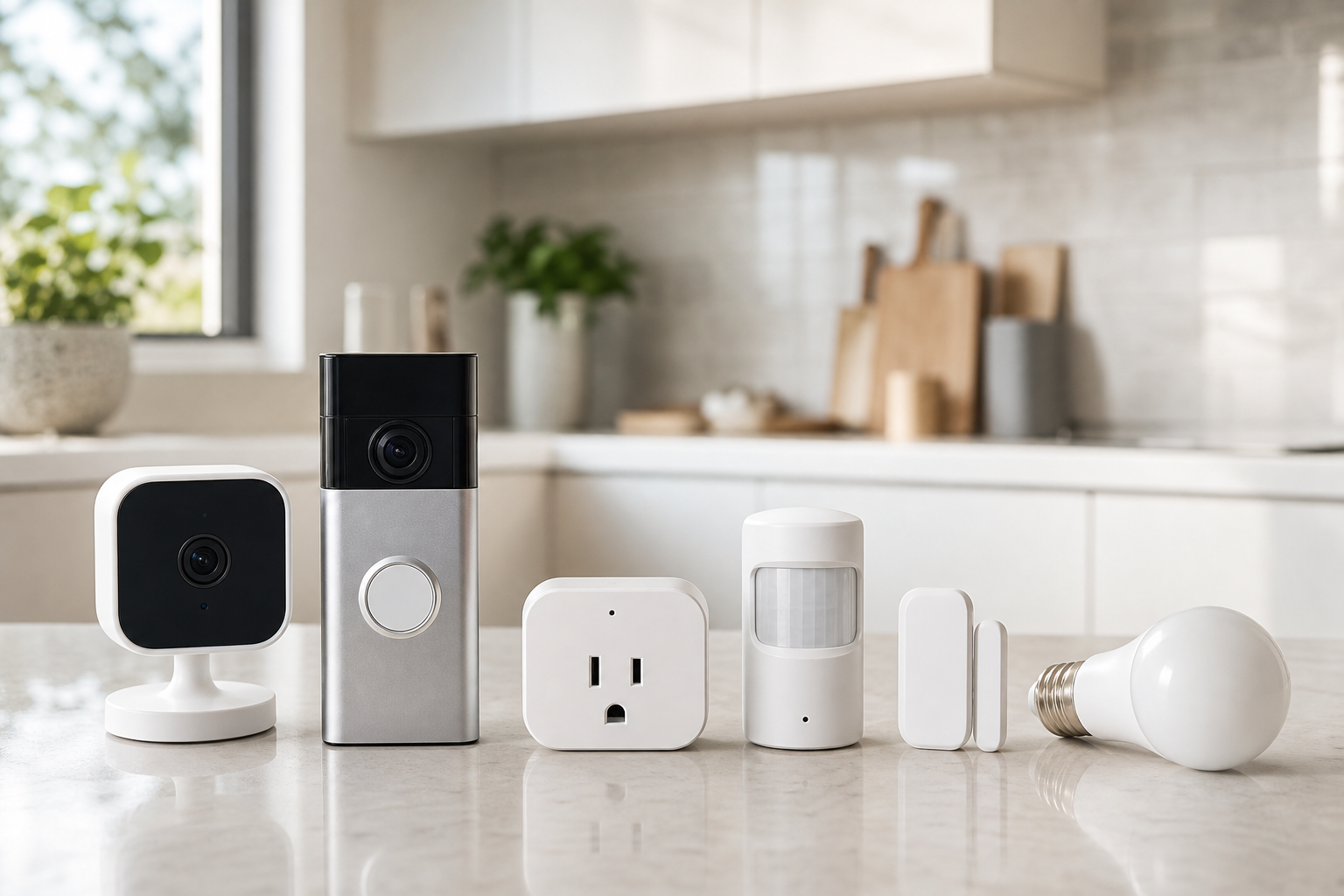
Start with platform and connectivity
Smart home products work best when they fit the system you already use. Check your voice assistant, phone ecosystem, hub, router, and support for Matter, Thread, Zigbee, Z-Wave, or Wi-Fi before comparing individual devices.
For cameras and doorbells, image quality is only one part of the decision. App reliability, notification speed, storage options, privacy controls, and account security matter just as much. Use stores as neutral places to verify price, delivery, return policy, and availability.
- Wi-Fi devices are easy to install but depend heavily on router quality and signal strength.
- Thread or Zigbee sensors can be efficient, but they may require a compatible hub.
- Matter can help with long-term compatibility, but it does not guarantee every advanced feature.
- Check family sharing, guest access, and two-factor authentication options.
Compare each product category by use case
For security cameras, focus on indoor or outdoor placement, night vision, field of view, weather rating, and wired versus battery power. For video doorbells, check existing wiring, entrance layout, package-view coverage, and two-way audio quality.
Sensors are most useful when the job is specific: door contact, motion, leak, temperature, or occupancy. Smart plugs and bulbs are good entry points for automation, but bulbs lose control when a wall switch is turned off, so daily habits matter.
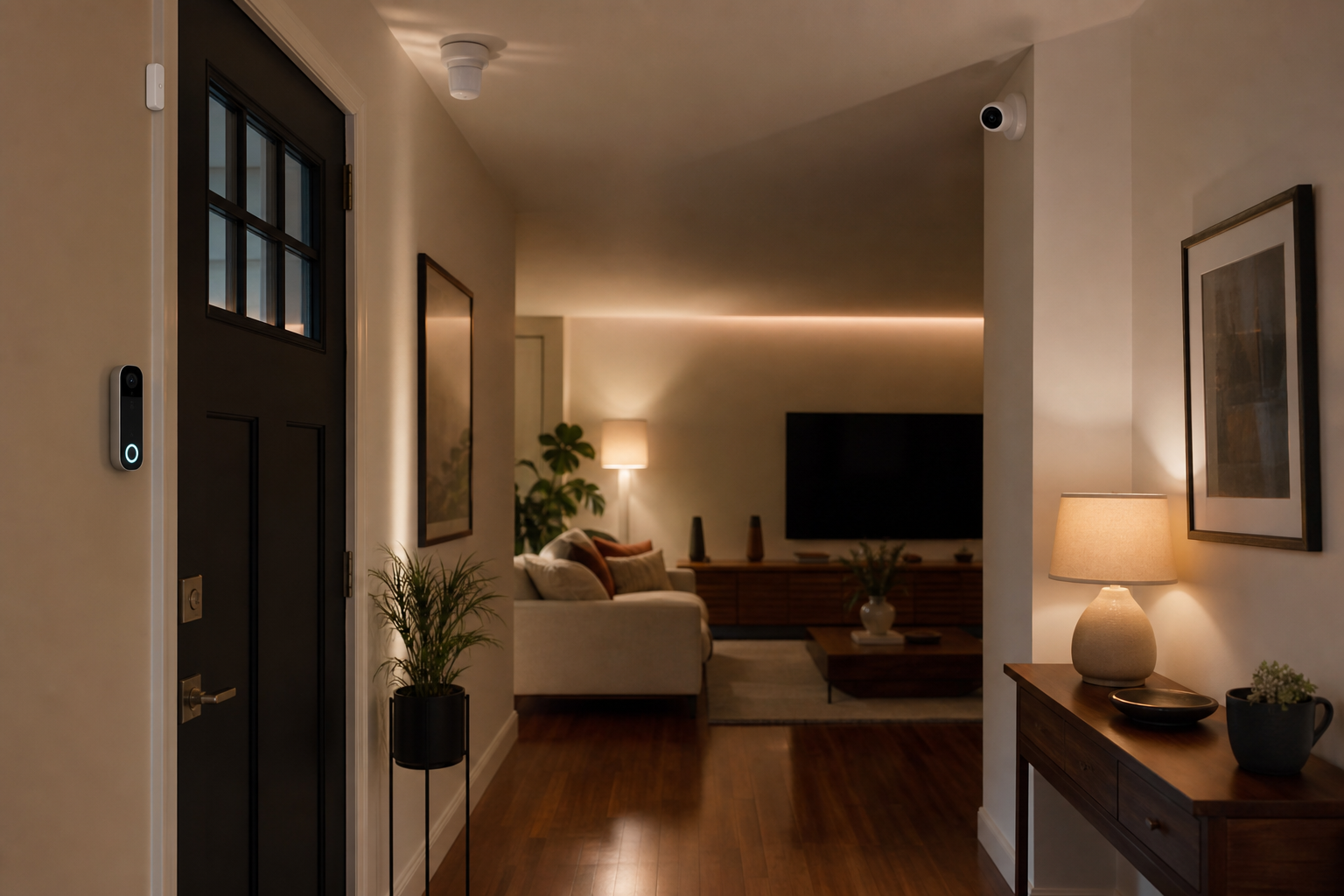
- Cameras: compare backlight handling, alert accuracy, and storage choices, not resolution alone.
- Doorbells: check vertical field of view and existing chime compatibility.
- Sensors: review battery type, expected replacement interval, and mounting method.
- Smart plugs: confirm load rating and the type of device you plan to control.
- Smart bulbs: compare brightness, color temperature range, and dimmer compatibility.
Keep automations simple and testable
Reliable automation usually starts with clear triggers, not complicated scenes. Useful examples include turning on porch lights at dusk, setting hallway lights to low brightness when a door opens at night, or enabling indoor camera alerts only in away mode.
Before buying, review app update history, features that work without a subscription, local control options, and data deletion settings. Comparing price, delivery time, return rules, and regional stock across stores can make the same device easier to evaluate.
- Start with clear signals such as time, person detection, door opening, or motion.
- Avoid overly sensitive security alerts unless the app offers good tuning controls.
- Separate cloud storage, local storage, and subscription-only features.
- Check Wi-Fi signal and power access at the real installation spot before purchasing.
Frequently asked questions
What should I compare first?
A practical guide to choosing security cameras, video doorbells, sensors, smart plugs, and smart bulbs by checking compatibility, power, storage, automation, and store policies. Start with use frequency, dimensions, warranty, replacement parts, recent reviews, and the return policy before chasing the lowest price.
Should I check Amazon, Coupang, or AliExpress first?
Use Amazon and Coupang for fast delivery categories, then compare AliExpress for low-cost accessories, parts, and bundles.
Where should I confirm price and availability?
Prices, coupons, shipping times, and stock change often, so confirm the final details on the merchant page before buying.